Personalise the site

Choose your exam board

This filters set texts and takes you to the right written-exam guidance. You can change it at any time.

Learn · Practise · Design

Theatre design

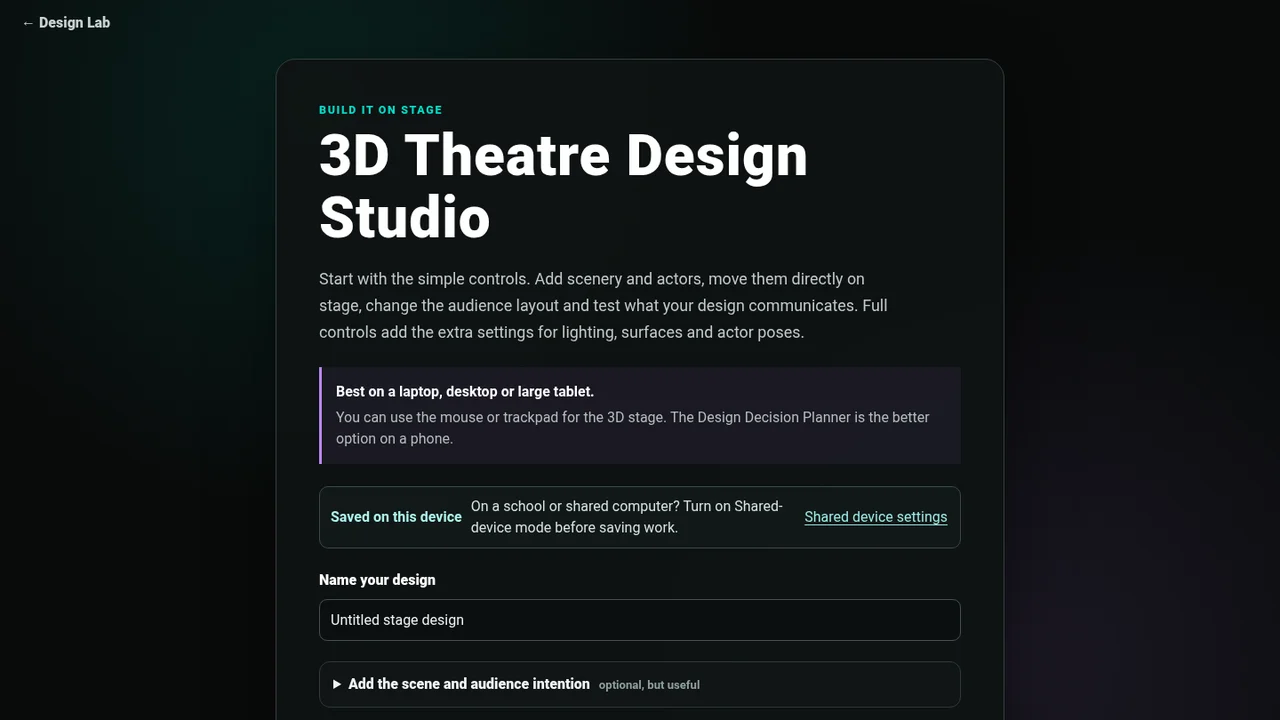
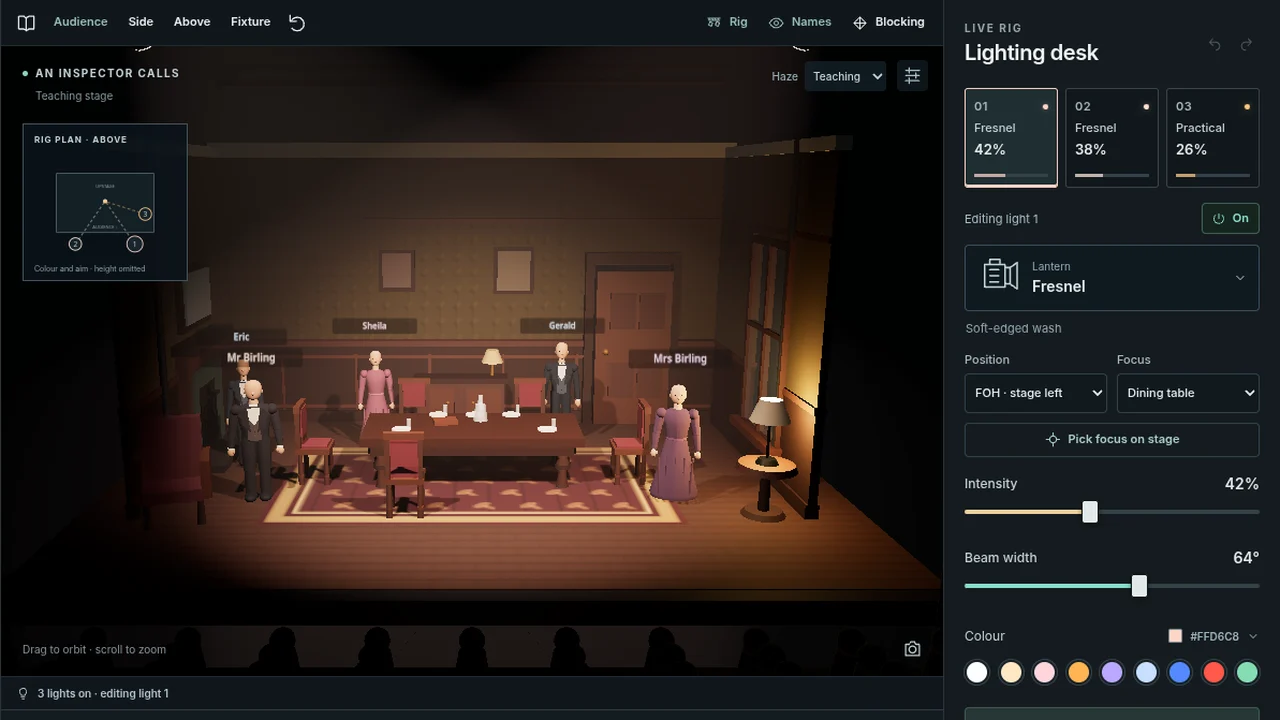
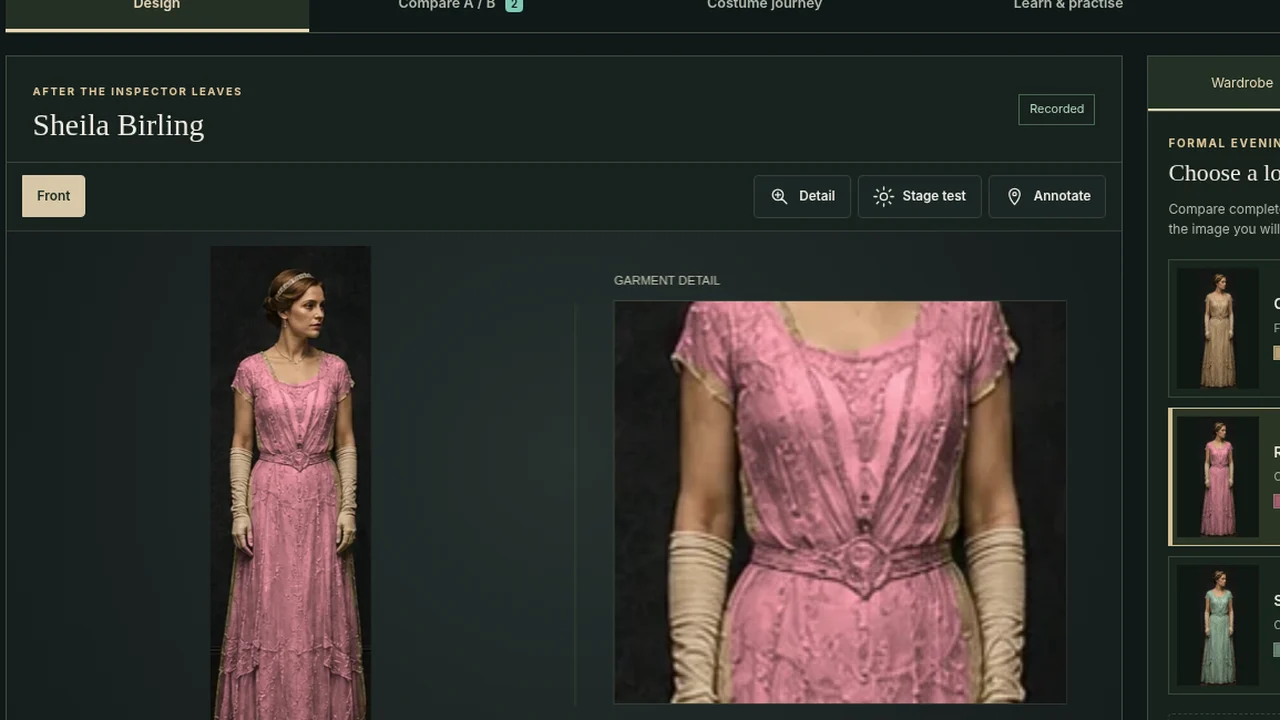
Choose a tool to explore light, costume or a complete production. Test your choices, then explain their effect on the audience.

Choose a tool

A place to start

Learn. Practise. Design.

New to lighting? Follow these three steps.

Find a starting point or develop your idea

Start from your set textOpen a ready-made scene in Lighting Lab or Production Studio.
Choose a practical briefShort challenges and production briefs with real constraints.

BTEC, college, GCSE and school productions

Production briefs with real constraints

Start with a defined scenario, audience intention and practical limits. Build and test the design in 3D, record decisions and refinement, then export the brief and evidence together. These are practice briefs rather than official awarding-body assignments.

Try a short challenge

Practical design briefs

Create your own brief
Plan and justify your choicesDesign disciplines, a repeatable process and evidence checks.

A repeatable process

Five stages of useful design work

  1. 1Read the briefIdentify the moment, context, practical limits and central intention.
  2. 2Test alternativesTry more than one solution before settling on the obvious answer.
  3. 3Specify the detailName materials, colours, positions, transitions, textures, levels and operation.
  4. 4Test the effectAsk what the audience can actually see, hear, infer and feel.
  5. 5Refine and justifyKeep, alter or reject the choice using evidence from rehearsal or modelling.

Choose your discipline

What are you designing?

Before calling a design finished

Check that the choice can survive four questions

  1. What exactly changes?Give observable technical detail rather than a vague adjective.
  2. Why at this moment?Connect it to action, relationship, context or dramatic structure.
  3. What does the audience experience?State what they notice and the meaning or response created.
  4. How would you test it?Identify a rehearsal, model, cue run or comparison that could improve the choice.

Teaching design

Demonstrate, then let pupils try

Open the tools and student previews from the teacher resources.
For teachers

Privacy on school and shared computers

Using a shared device?

Shared-device mode stops Stark Drama leaving your recent-page list or project work behind after the browser session. It also resets optional analytics to off. Your exam-board choice may remain as a simple site preference.

Turning it on clears Stark Drama work already saved in this browser. Back up anything you need first.